
Proxies keep failing or the success rate is low
Free public proxies die constantly, so a success rate of 20 to 40 percent is normal for them. Shorten the Re-check proxies every interval so dead proxies are removed sooner, and check the log to confirm the failures are proxy errors rather than the site blocking you. For consistently high success rates, use authenticated residential proxies.
First, understand what free proxies are
The built-in proxy engine scrapes free public proxies from around twenty sources. These are machines that happen to be running an open proxy, often without their owner’s knowledge. They are not a service, nobody maintains them, and they disappear without warning.
A proxy that tested successfully twenty minutes ago may be gone now. A success rate of 20 to 40 percent is normal with free proxies, and no configuration change will turn that into 95 percent.
Check what is actually failing
Before changing settings, open the Logs panel and read the errors. They point at different problems:
| What the log shows | What it means |
|---|---|
| Connection refused, timeout, proxy error | The proxy is dead. Normal for free proxies. |
| HTTP 407 | Proxy authentication failed — wrong username or password. |
| HTTP 403, or a Cloudflare challenge page | The proxy works; the target site is blocking it. A different problem entirely. |
| HTTP 502 or 503 | The proxy is overloaded or the target server is refusing it. |
| Page load timeout | Either a slow proxy, or too many threads for your machine. |
If you are seeing 403 responses or challenge pages, the problem is not your proxies and adding more will not help. The site has bot protection that recognises data-centre IP addresses. Residential proxies are the only practical answer.
Settings that genuinely help
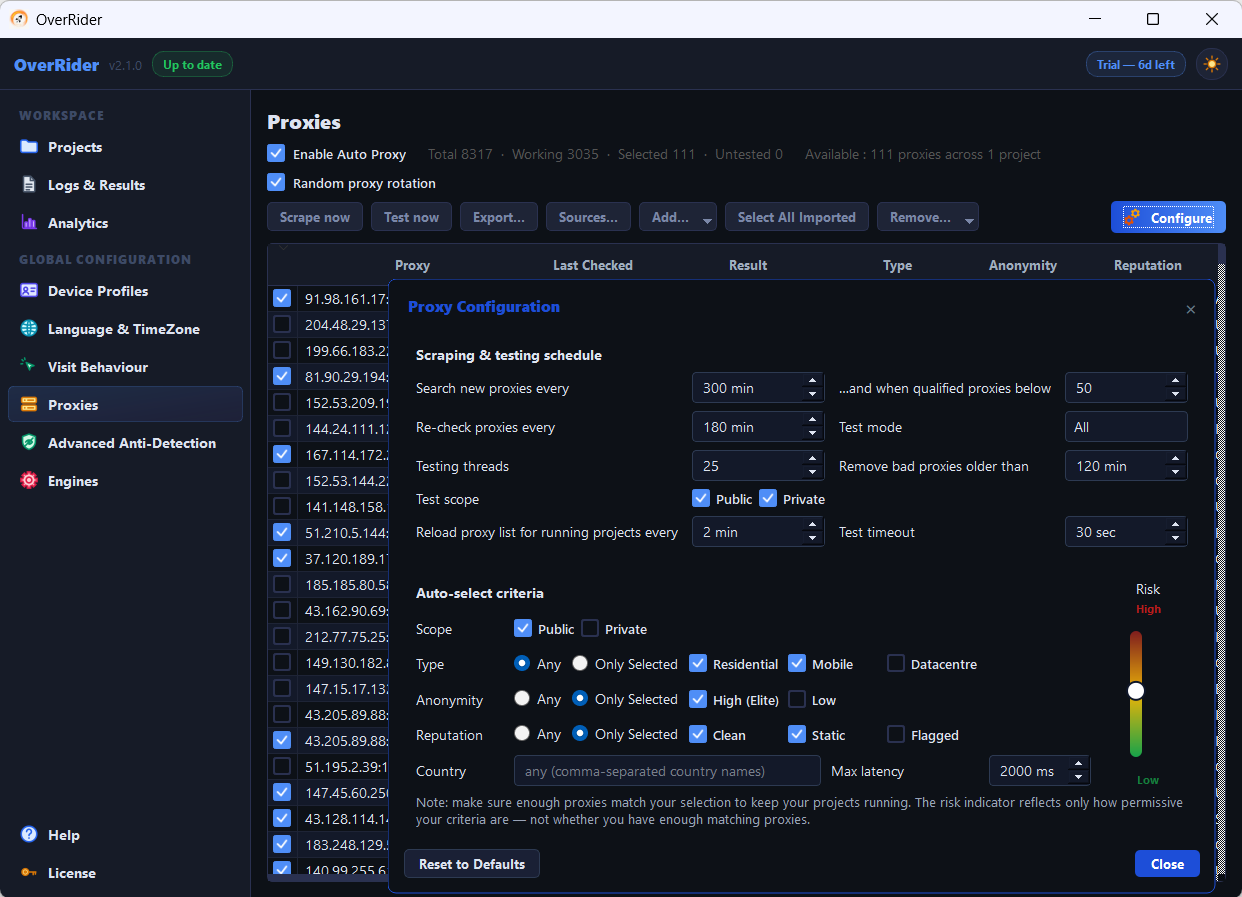
Shorten “Re-check proxies every”
In Proxy Configuration, this controls how long a proxy’s last test result is trusted before it is retested. If it is set to several hours, OverRider keeps using proxies that died long ago.
Lower it to 30 to 60 minutes. Dead proxies get dropped from the pool sooner, at the cost of more background testing.
Check the “Search new proxies every” condition
New proxies are scraped on that interval, but only when the qualified proxy count is below the threshold beside it. Both conditions must hold. If your threshold is low, scraping will not trigger even though your pool is nearly exhausted. Raise the threshold so replacements are found before you run out.
Check the auto-select scope
This one catches people out. Under Auto-select criteria, the Scope setting defaults to Public only. If you have added paid private proxies, they will never be auto-selected until you tick Private as well.
Proxies you ticked manually are always used regardless of scope.
Loosen over-tight criteria
Filtering by country, protocol, anonymity level and speed all at once can leave almost nothing qualifying. The dialog shows a risk indicator and a count — if the qualifying number is tiny, relax a criterion.
What does not help
Random proxy rotation changes the order proxies are picked in, nothing else. It does not improve the success rate. If every proxy in your pool is dead, picking them in a random order changes nothing.
Adding more free sources gives you more proxies of the same quality. Volume is rarely the constraint; reliability is.
The real fix: authenticated residential proxies
If you need consistent results, buy proxies. Residential proxies route through real consumer connections, so they carry ordinary IP reputation and are not filtered as data-centre traffic. Expect success rates above 90 percent.
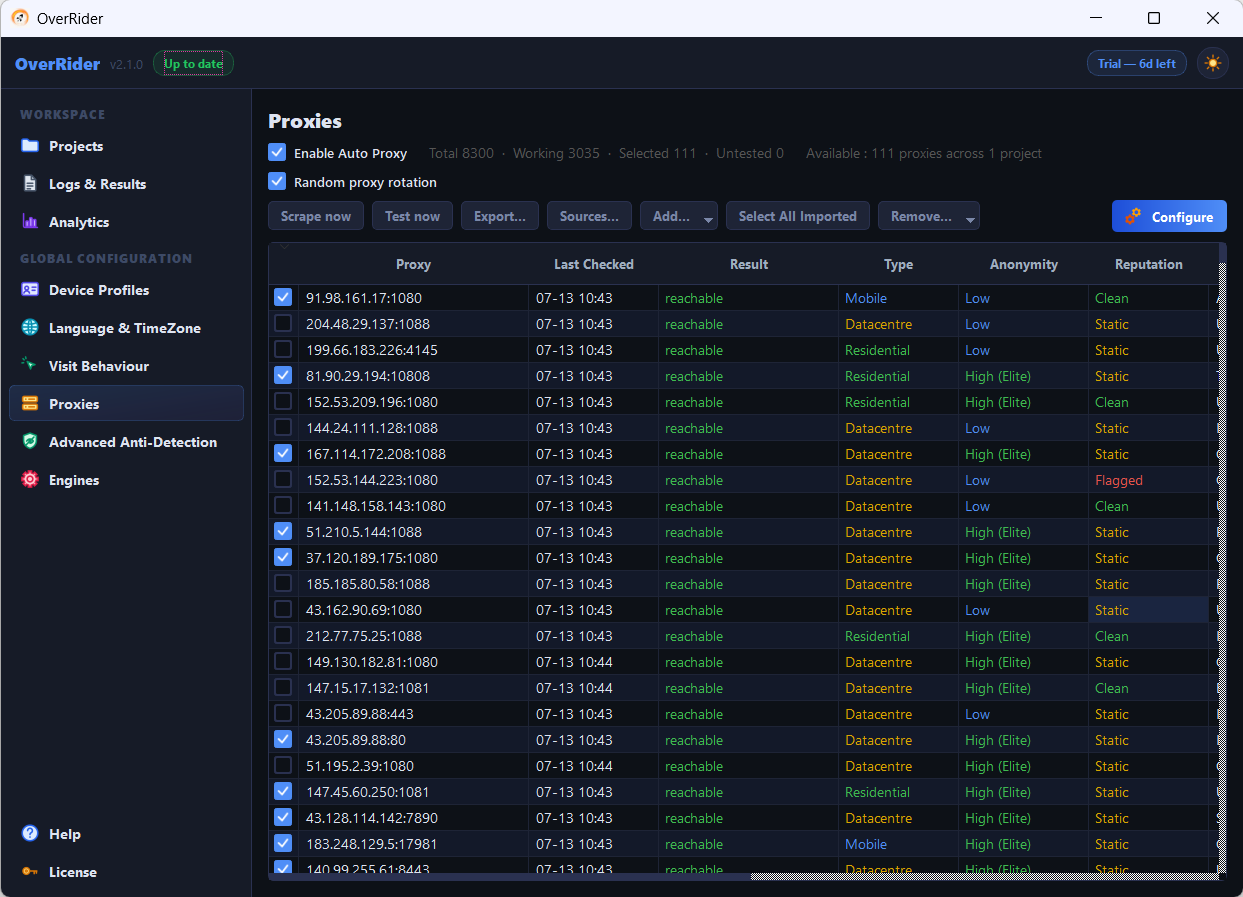
Add them in the Proxies panel in this format:
http://username:password@host:portThen set the auto-select Scope to include Private, or tick them manually.
Passwords containing : or @ must be percent-encoded, or the proxy URL cannot be parsed correctly. Encode @ as %40 and : as %3A.
Testing without proxies
To separate a proxy problem from everything else, disable proxies and run a few visits from your own IP address. If those succeed, proxies are the issue. If they also fail, look at the target URL, the engine, or the site’s bot protection instead.
Last updated: