
How traffic appears in Google Analytics
Because every visit uses a fresh browser with an empty cookie jar, Google Analytics records each one as a brand new user. Country comes from the proxy IP address, not from your language settings. Source and medium come from the referrer. Sessions look highly engaged because the default stay time is 45 to 300 seconds.
OverRider drives a real browser, so your analytics tag runs exactly as it would for a human visitor. What each report shows, however, follows directly from how visits are constructed. This page maps settings to dimensions.
Every visit is a new user
This is the most important thing to understand, and it surprises most people.
Each visit launches a fresh browser process with an empty cookie jar. Google Analytics identifies returning users by the _ga cookie it set on a previous visit. Since that cookie never survives, GA4 has no way to recognise a visitor it has seen before.
This is true even if the same proxy is reused for a later visit. GA4 identifies a user by the client ID stored in the _ga cookie, not by IP address — the IP is only used to derive Country/City, and separately for GA4’s own bot-range checks. Because each OverRider visit is a brand-new browser process with no cookie carried over, reusing the same proxy on a later visit still produces a new client ID and therefore a new user in GA4. Cookie state, not proxy reuse, is what determines new vs. returning.
| GA4 metric | What you will see |
|---|---|
| New users | Equal to the number of visits |
| Returning users | Zero, or close to it |
| Sessions per user | Approximately 1.0 |
There is no setting that changes this. OverRider cannot generate returning visitors.
Which setting drives which dimension
| GA4 dimension | Comes from |
|---|---|
| Country / City | The IP address of the proxy the visit used — nothing else |
| Session source / medium | The referrer page loaded before your site |
| Landing page | The target URL chosen for that visit |
| Device category | The device profile (desktop, mobile or tablet) |
| Browser / OS | The device profile’s user agent |
| Screen resolution | The device profile’s screen size |
| Language | The device profile’s Accept-Language header |
| Average engagement time | Your Min and Max Stay Time settings |
| Views per session | 1, plus one for each link click |
Language settings do not change your reported country. Google determines geography from the IP address. Setting a profile to French does not make GA4 report France. To control country, filter your proxies by country in the proxy configuration.
Engagement and bounce rate
GA4 counts a session as engaged if it lasts longer than 10 seconds, records two or more pageviews, or triggers a conversion. OverRider’s default stay time of 45 to 300 seconds clears that threshold on every visit.
The practical result is that OverRider traffic shows a very low bounce rate and a high engagement rate — often noticeably better than your real traffic. If you are using OverRider to test reporting, be aware this skews any blended average you calculate.
JavaScript must be enabled
Google Analytics is a JavaScript tag. If you turn off Load JavaScript in Visit Behaviour, the tag never executes and nothing at all is recorded — even though OverRider will report the visits as successful, because the page itself loaded fine.
Turning off Load Images or Load CSS is safe; those do not affect analytics.
Automated traffic filtering
OverRider always masks the navigator.webdriver flag, which is the primary signal analytics platforms use to discard automated sessions. This is applied on every visit and is not optional.
GA4 also applies its own automatic filtering of known bots and spiders, based on an industry list of IP ranges. Many free public proxies run in data centres that appear on that list, so visits routed through them can be filtered out before they ever reach your reports. This is one of the more common reasons traffic seems to disappear. Authenticated residential proxies are not usually affected.
Verifying that traffic is arriving
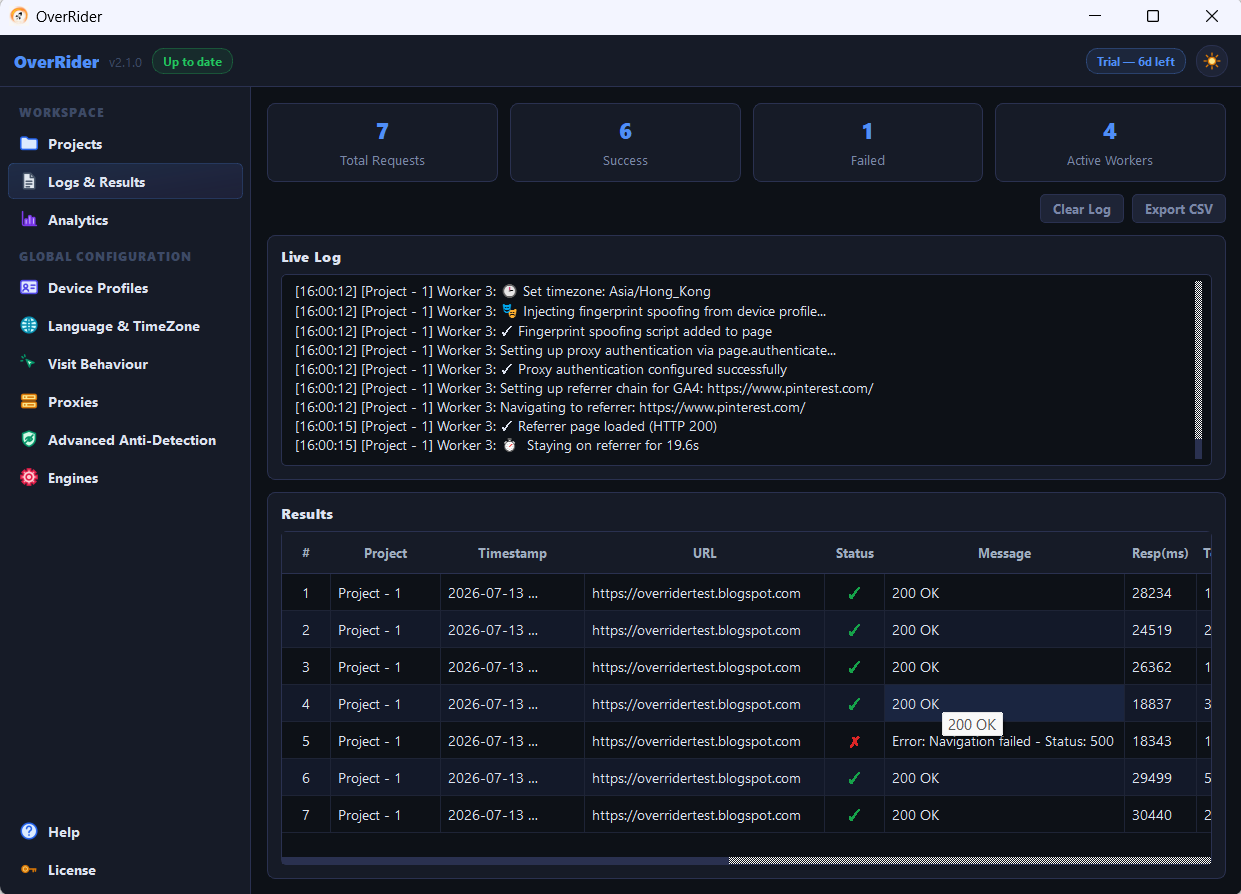
- Open Reports → Realtime in GA4 and start a small project. Visits should appear within about 30 seconds.
- If Realtime shows nothing, the tag is not firing. Check that Load JavaScript is on and that your target URL is the page carrying the GA4 tag.
- Standard reports are not immediate. GA4 can take 24 to 48 hours to fully process data, so do not judge a test by the standard reports on the same day.
Other analytics platforms
The same principles apply to Shopify Analytics, Matomo, Plausible and similar tools: a real browser runs their tag, every visit looks like a new visitor, and geography comes from the IP address. Platforms differ mainly in how aggressively they filter data-centre IP ranges.
Traffic stops when OverRider stops
All traffic originates from your computer. When you stop a project, OverRider ends the browser processes belonging to it, so any visit still in flight finishes within moments. When the application is closed, or the computer is switched off, no further traffic is possible.
If your analytics continues to record visits after you have stopped everything, the traffic is coming from another source. See Traffic is not showing in Google Analytics for how to identify traffic by its source dimensions.
Last updated: