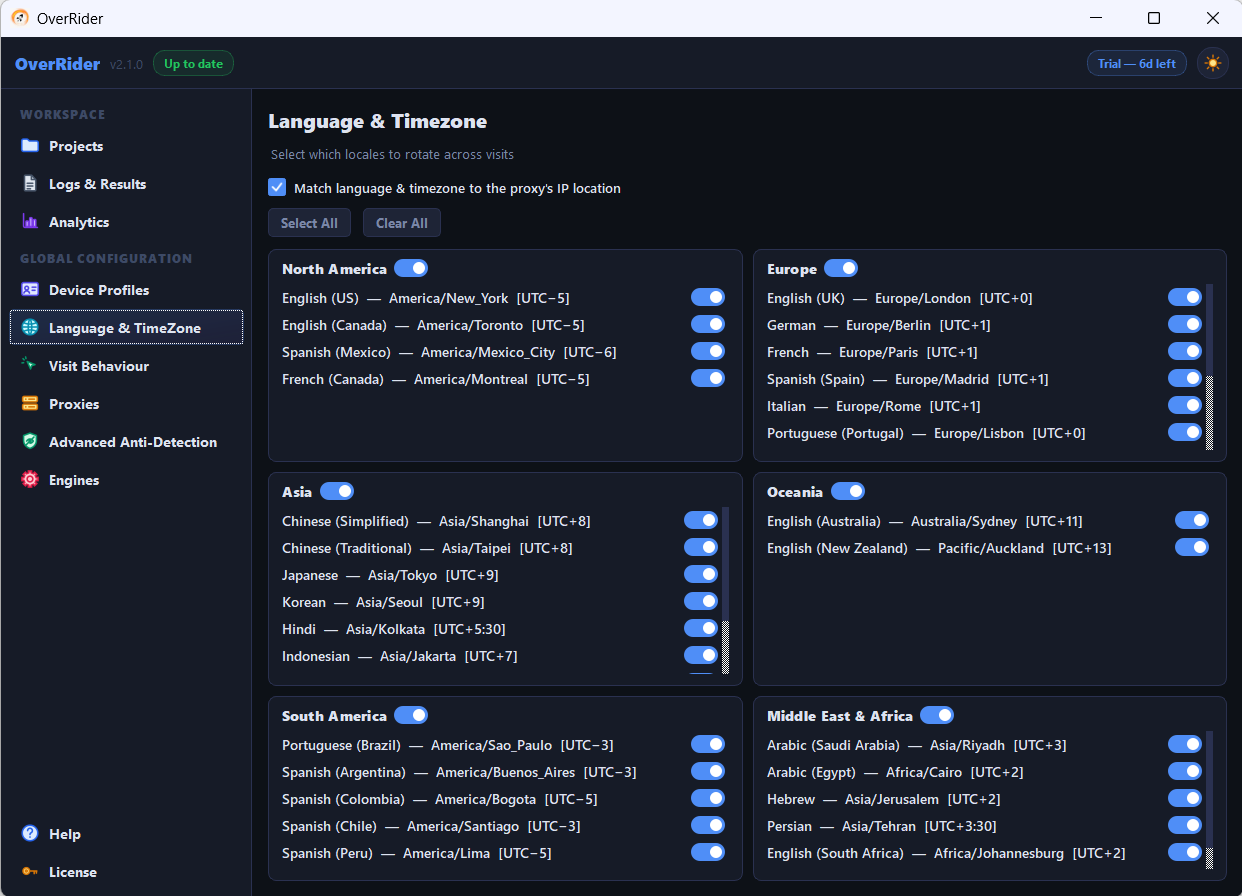
Every OverRider setting with its range and default value. Stay times default to 45 to 300 seconds, page load wait to 30 seconds, threads to a safe maximum of 10, and link clicking is on by default at 2 clicks per visit and 2 levels deep.
Every setting, its range and its default. Settings marked global apply to all projects; the rest are per project.
Traffic setup (per project)
Setting
Range
Default
What it does
Target URLs
Any number
Empty
One URL is picked at random per visit
Traffic Sources
Any number
None
Referrer pages loaded before the target; chosen independently of the URL
Engine
Engine-1 or Engine-2
Engine-1
Which browser engine runs the project. Cannot be changed mid-run.
Simultaneous Visits (Threads)(global)
1 to 50
5
Concurrent visits. Above 10 requires unlocking. Shared across running projects.
Stop condition (per project)
Setting
Range
Default
What it does
Duration Based
HH:mm
00:05
Runs for a fixed time. No visit limit — the count is whatever the settings produce.
Visits Based
1 to 9,999,999
100
Runs until the target count is reached, as fast as threads allow.
Resource loading (global)
Setting
Default
What it does
Load Images
On
Downloads image files. Turning off saves bandwidth and does not affect analytics.
Load CSS
On
Downloads stylesheets. Does not affect analytics.
Load JavaScript
On
Must stay on for analytics to record anything. Turning it off makes visits succeed while producing no analytics data.
Headless mode is not a setting. Browsers always run without a visible window.
Timing (global)
Setting
Range
Default
What it does
Page Load Wait
1 to 120 s
30 s
How long to wait for the page before giving up
Min Stay Time
1 to 300 s
45 s
Shortest time on the target page
Max Stay Time
1 to 900 s
300 s
Longest time on the target page. Actual stay is random between the two.
Human-like behaviour (global)
Setting
Default
What it does
Enable scrolling
On
Scrolls in irregular increments with pauses
Enable mouse movement
On
Moves the pointer along curved paths
Enable link clicks
On
Master switch for clicking links on the target page
Click internal links
On
Follows links on the same domain
Click external links
Off
Follows links off-site. Advertisements are excluded.
Link navigation mode
Same Page
Same Page, New Tab or Mixed. Same Page is the most reliable for analytics.
Link click options (global)
Setting
Range
Default
What it does
Clicked Link Stay Duration — Min
1 to 300 s
60 s
Shortest stay on a clicked page
Clicked Link Stay Duration — Max
1 to 600 s
180 s
Longest stay on a clicked page
Delay Between Clicks — Min
1 to 300 s
60 s
Shortest pause before the next click
Delay Between Clicks — Max
1 to 600 s
120 s
Longest pause before the next click
Max Link Depth
1 to 3
2
How many levels deep clicking can go
Max Link Clicks per Visit
1 to 10
2
Clicks allowed on the target page
Time Buffer for Clicks
0 to 900 s
180 s
A visit must have at least this much time left before clicking starts
Time Buffer for Clicks must be at least the minimum clicked-link stay plus the minimum click delay plus 10 seconds — 130 seconds with the defaults. OverRider clamps it automatically if you set it lower.
Referrer page behaviour (global)
Setting
Default
What it does
Referrer minimum stay
15 s
Shortest dwell on the referrer page
Referrer maximum stay
60 s
Longest dwell on the referrer page
Referrer load timeout
30 s
How long to wait for the referrer page
Simulate on referrer
On
Scrolls and moves the mouse on the referrer page too